

Your skin photos contain biometric data. When you upload a selfie to a free skincare app, that image often travels to a cloud server, gets processed by third-party algorithms, and may be retained or shared with product partners. Knowing how to choose a private skin analysis app is no longer just a tech preference. It's a health and privacy decision. This guide gives you a clear framework to evaluate apps on accuracy, privacy architecture, and suitability for your specific skin type, so you stop guessing and start getting results that actually apply to you.
Table of Contents
- Key takeaways
- How to choose a private skin analysis app: what to know first
- Step-by-step guide to using a skin analysis app effectively
- Common mistakes when selecting or using skin analysis apps
- Comparing top privacy-focused skin analysis apps
- What to expect after choosing the right app
- My honest take on AI skin apps and privacy
- Melaninglow: built for your skin, built for your privacy
- FAQ
Key takeaways
| Point | Details |
|---|---|
| Privacy architecture matters | Choose apps that process data locally on your device rather than uploading images to the cloud. |
| Quiz-based options exist | You can get personalized skin analysis without uploading a single photo if privacy is your top concern. |
| App purpose shapes accuracy | Understanding whether an app is built for product sales or genuine skin assessment changes how you interpret its results. |
| Diverse skin types need tailored tools | Generic AI models often underperform on melanin-rich skin tones, making specialized apps a better choice. |
| Combine app insights with professional care | App data is most useful when it supplements, not replaces, regular dermatologist consultations. |
How to choose a private skin analysis app: what to know first
Before you download anything, you need to understand what you're actually handing over. Skin analysis apps fall into two broad categories based on how they collect your information: selfie upload tools and quiz-based assessments.
Selfie upload tools use your camera or a photo to map skin texture, tone, pores, and pigmentation. They're fast and visually engaging. The trade-off is that your image typically leaves your device. Quiz-based tools, like Dermalogica's Face Mapping, ask you structured questions about your skin concerns and lifestyle instead of requiring a photo upload. You get personalized recommendations without ever submitting biometric data.
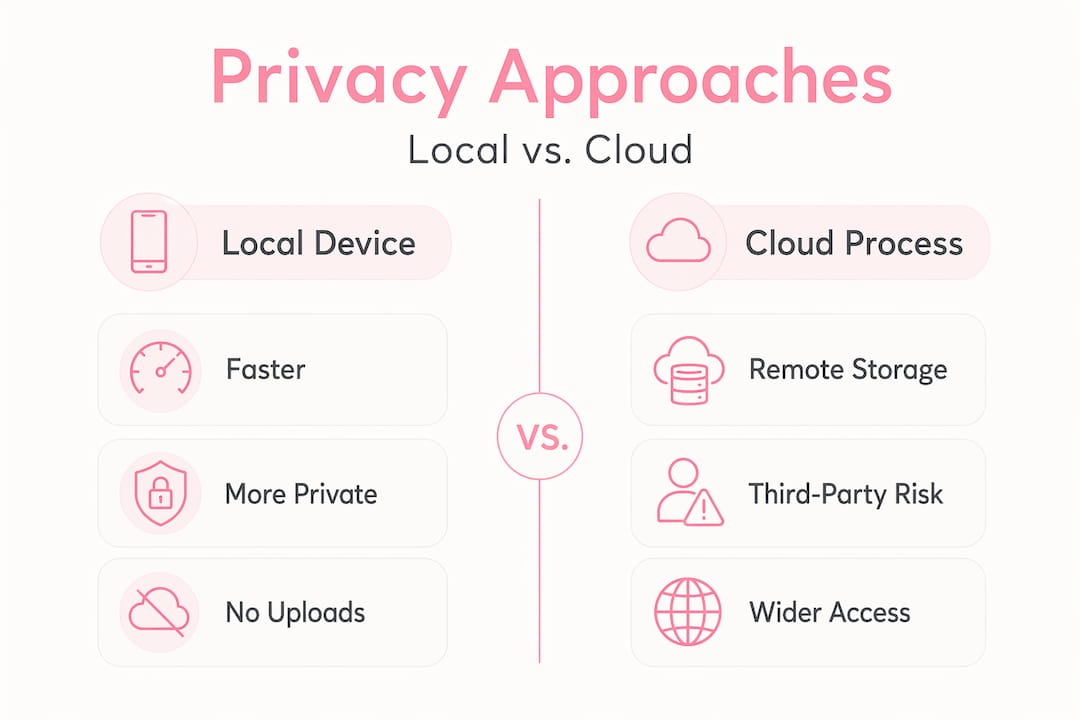
The most privacy-protective technology available right now is edge AI, also called local processing. Apps built on edge AI run entirely on your device, meaning your images are never transmitted to an external server. This approach offers offline use and eliminates cloud-based data risks entirely. Cloud-based apps, by contrast, may offer more processing power and larger reference databases, but they require you to trust the developer's data retention and sharing policies.
Before you install any app, check these specifics:
- Data retention policy: Does the app store your images after analysis? For how long?
- Third-party sharing: Are your photos or results shared with product partners or advertisers?
- Permissions requested: Does the app ask for camera, microphone, or location access beyond what the analysis requires?
- Encryption: Is your data encrypted in transit and at rest if cloud processing is used?
- Developer credibility: Is there a named dermatologist or clinical advisor associated with the app?
Pro Tip: Before downloading, search the app name plus "privacy policy" and look specifically for the words "biometric data," "third-party sharing," and "data retention." These three phrases will tell you almost everything you need to know about how seriously a developer takes your privacy.
Step-by-step guide to using a skin analysis app effectively
Getting useful results from a skin analysis app requires more than just opening the camera. The quality of your scan directly affects the quality of your recommendations.
-
Set up your lighting correctly. Natural daylight facing you is the gold standard. Overhead lighting creates shadows that distort texture readings. Scan quality depends heavily on your environment, so avoid bathroom lighting with warm yellow tones, which can mask redness and uneven pigmentation.
-
Choose your analysis method based on your privacy comfort. If you're comfortable with a photo upload and the app uses local processing, go ahead with the selfie scan. If you have concerns about where your image goes, opt for a quiz-based assessment instead. You don't have to sacrifice personalization to protect your data.
-
Read the results critically. AI tools can complete an analysis in under 60 seconds using databases of tens of thousands of graded images. That speed is impressive, but it also means the system is pattern-matching, not diagnosing. Treat results as a starting point, not a verdict.
-
Decide whether you need one-time or ongoing tracking. A single scan gives you a snapshot. Regular tracking over weeks or months reveals how your skin responds to products, seasons, and lifestyle changes. If you track regularly, make sure the app stores your history locally or gives you export options.
-
Export your data before any dermatology appointment. Many apps allow you to save or share a summary of your analysis. Bring that data to your consultation. It gives your dermatologist context and makes the appointment more productive.
Pro Tip: Take your scan at the same time of day each session, ideally in the morning before applying any products. Your skin's baseline condition is most readable before moisturizer, sunscreen, or makeup changes its surface texture.
Common mistakes when selecting or using skin analysis apps
Most people make at least one of these errors. Knowing them in advance saves you time, money, and potential frustration.
-
Treating the app as a medical diagnostic tool. Experts consistently warn that AI skin apps should not replace professional medical advice. An app can flag that you have uneven pigmentation. It cannot tell you whether that pigmentation is post-inflammatory hyperpigmentation, melasma, or something that warrants a biopsy.
-
Skipping the privacy policy. Default settings on many apps permit data sharing for marketing purposes. You often have to opt out manually, and that option is buried in settings. If you don't look, you're consenting by default.
-
Over-interpreting normal skin features as problems. Clinically excessive vigilance from frequent app use can cause real anxiety. Pores, fine texture, and minor asymmetry are normal. An app that flags everything as a "concern" may be designed to sell you products, not to give you an accurate picture of your skin health.
-
Ignoring whether the app was trained on diverse skin tones. This is a significant gap in many generic AI models. If the training dataset skewed toward lighter skin tones, the algorithm will be less accurate at reading hyperpigmentation, post-acne marks, and texture variations on deeper complexions. Always check whether the developer explicitly addresses skin tone diversity in their methodology.
-
Not verifying developer credibility. Understanding app purpose and bias is critical. An app built by a skincare brand to drive product sales has different incentives than one built with dermatologist oversight. Neither is automatically bad, but you should know which one you're using.
Comparing top privacy-focused skin analysis apps
The table below compares leading options based on the criteria that matter most: privacy approach, skin tone coverage, and how results are delivered.
| App | Privacy approach | Skin tone coverage | Analysis method | Dermatologist involvement |
|---|---|---|---|---|
| Melaninglow | Local processing, no cloud upload | Specifically optimized for melanin-rich tones | AI facial scan plus quiz | Yes, algorithm developed with diverse skin data |
| Dermalogica Face Mapping | No selfie required | Moderate | Quiz-based only | Yes, brand-affiliated professionals |
| skinja | Fully on-device processing | General | Selfie scan, offline capable | Not specified |
| La Roche-Posay MyRoutine | Cloud-based | General | AI facial scan | Yes, dermatologist brand |
Pro Tip: The best private skin assessment app for you is the one that matches both your privacy threshold and your skin type. A tool with great privacy features but poor accuracy on your skin tone is not a good trade-off. Prioritize both together.
The market split between at-home screening apps and commercial diagnostic tools is real and growing. Some of the most polished apps in the category exist primarily to recommend products from a parent brand. That doesn't make them useless, but it means their recommendations will always point toward a specific product catalog. Truly independent tools are rarer, and they're worth seeking out.
What to expect after choosing the right app
Once you've selected a tool that fits your privacy needs and skin type, the benefits compound over time.
In the first few weeks, you'll get a clearer picture of your actual skin concerns versus the ones you assumed you had. Many people discover their "oily skin" is actually dehydration, or that their "sensitive skin" reacts to a specific ingredient rather than being inherently reactive. A good personal skin analysis app gives you that kind of specificity.
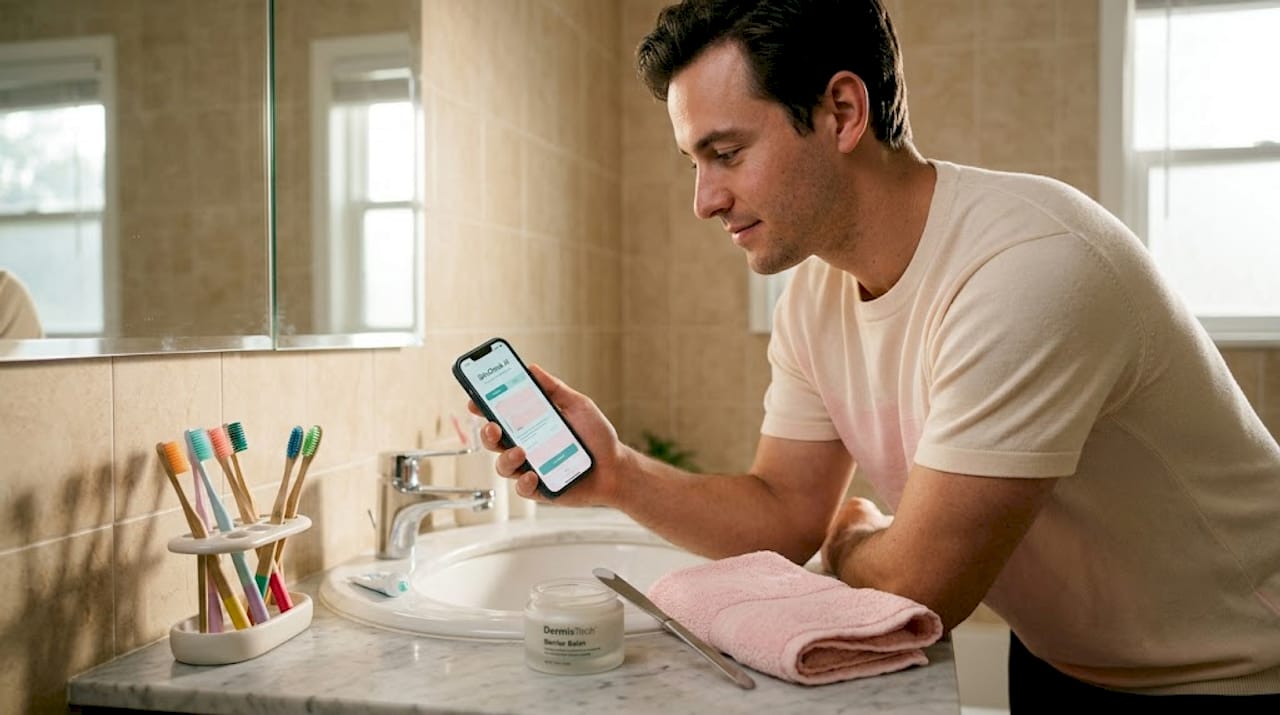
Over months, tracking lets you see subtle changes that are invisible day to day. You might notice that your hyperpigmentation fades faster in summer or that your skin texture improves after cutting out a particular product. That data becomes genuinely useful when you bring it to a dermatologist. Patients who integrate app data into professional consultations get more targeted care than those who rely on isolated scans alone.
The privacy benefit is quieter but just as real. Knowing your biometric data stays on your device removes a layer of background anxiety that many people don't even realize they're carrying. You can engage with the technology without wondering what's being done with your face.
Advanced users often combine diagnostic scans with ingredient safety tools for a fuller picture of their routine. Checking whether a product's ingredient list conflicts with your skin's known sensitivities, alongside a regular skin scan, gives you a feedback loop that no single app can replicate on its own.
My honest take on AI skin apps and privacy
I've spent a lot of time looking at how these tools actually work versus how they're marketed, and the gap is often significant. Most apps lead with accuracy claims. Very few lead with transparency about where your data goes.
What I've learned is that local processing isn't just a privacy feature. It's a signal of how a developer thinks about their users. When a company builds the harder, more expensive architecture to keep your data on your device, they're making a values statement. That matters to me more than a polished interface.
I also think the field gets the professional integration question wrong. The trend I find genuinely promising is concierge-style skin care that uses app data as one input among many, not as the final word. An app that tells you what to observe is useful. An app that tells you what to buy without a human in the loop deserves more skepticism.
My recommendation is always the same: use the app to get informed, then take that information to a professional. The best outcomes I've seen come from people who treat their skin analysis tool as a preparation device for better conversations with their dermatologist, not as a replacement for one.
— Orinami
Melaninglow: built for your skin, built for your privacy
If you've been searching for a skin analysis app that actually accounts for melanin-rich and diverse skin tones without compromising your data, Melaninglow was designed with exactly that in mind.
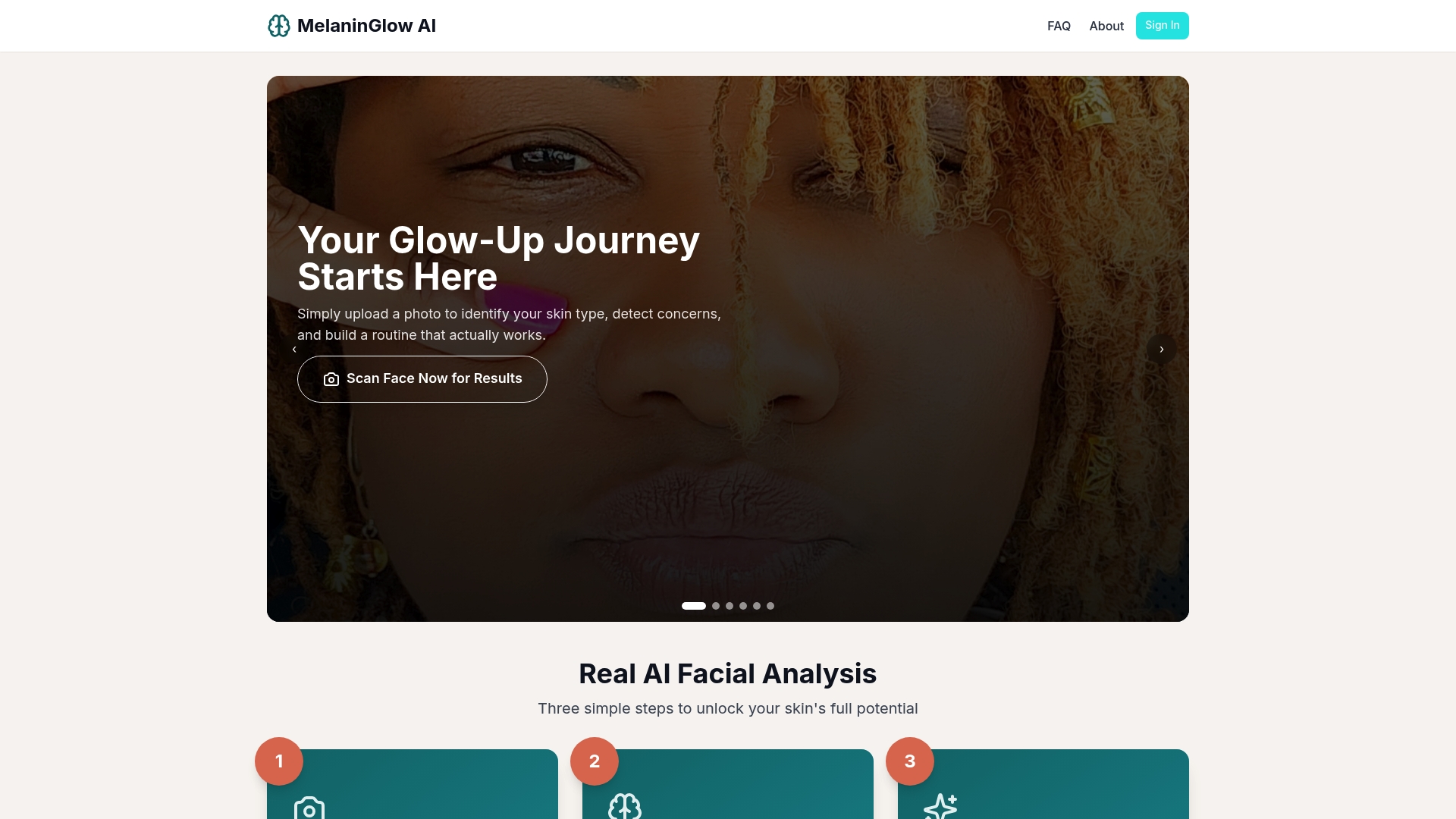
Melaninglow's AI processes your facial analysis locally, meaning your images are never uploaded to a cloud server or shared with third parties. The algorithm was developed specifically to read the texture, tone, and concerns common in deeper complexions, including hyperpigmentation, post-acne marks, and uneven skin tone that generic tools frequently misread. You get personalized product recommendations grounded in your actual skin profile, not a one-size-fits-all output.
Whether you prefer a photo-based scan or a quiz-driven assessment, Melaninglow gives you options that match your privacy comfort level. Try the Melaninglow AI skin analysis and get recommendations that were actually built for your skin.
FAQ
What makes a skin analysis app "private"?
A private skin analysis app processes your data locally on your device without uploading images to external servers. Apps that use edge AI or quiz-based methods offer the strongest privacy protection.
Can I get accurate results without uploading a selfie?
Yes. Quiz-based tools like Dermalogica's Face Mapping deliver personalized recommendations without any photo upload, though selfie-based tools generally provide more detailed texture and pigmentation analysis.
Are skin analysis apps accurate for darker skin tones?
Many generic AI models underperform on melanin-rich skin because their training datasets skewed toward lighter complexions. Look for apps that explicitly address skin tone diversity in their methodology, like Melaninglow.
Should I use a skin analysis app instead of seeing a dermatologist?
No. Experts consistently warn that AI skin apps should not replace professional medical advice. Use app results as a starting point and bring your data to a dermatologist for any medical concerns.
How often should I use a skin analysis app?
Once every two to four weeks gives you enough data to track meaningful changes without the risk of over-analyzing normal skin variation. Consistent timing and lighting conditions make your results more comparable over time.